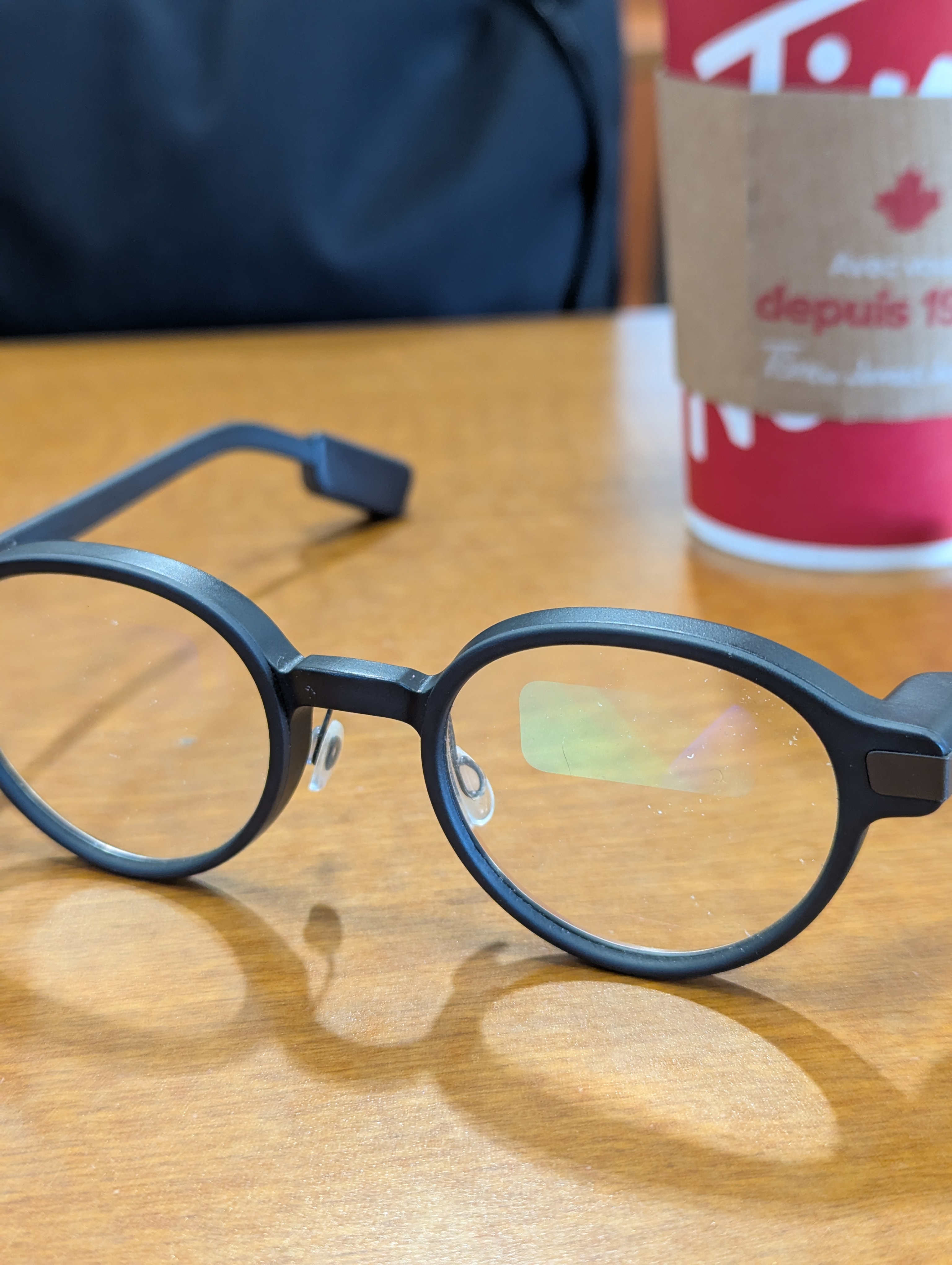
flashcards hands-free. Cards appear on your G1 glasses display.
Use a Bluetooth remote to flip cards and mark your answers.
Great for the treadmill, walking, or anywhere you can't look at your phone.
flashcards hands-free. Cards appear on your G1 glasses display.
Use a Bluetooth remote to flip cards and mark your answers.
Great for the treadmill, walking, or anywhere you can't look at your phone.
Review your Anki flashcards hands-free. Cards appear on your G1 glasses display.
Use a Bluetooth remote to flip cards and mark your answers.
Great for the treadmill, walking, or anywhere you can't look at your phone.
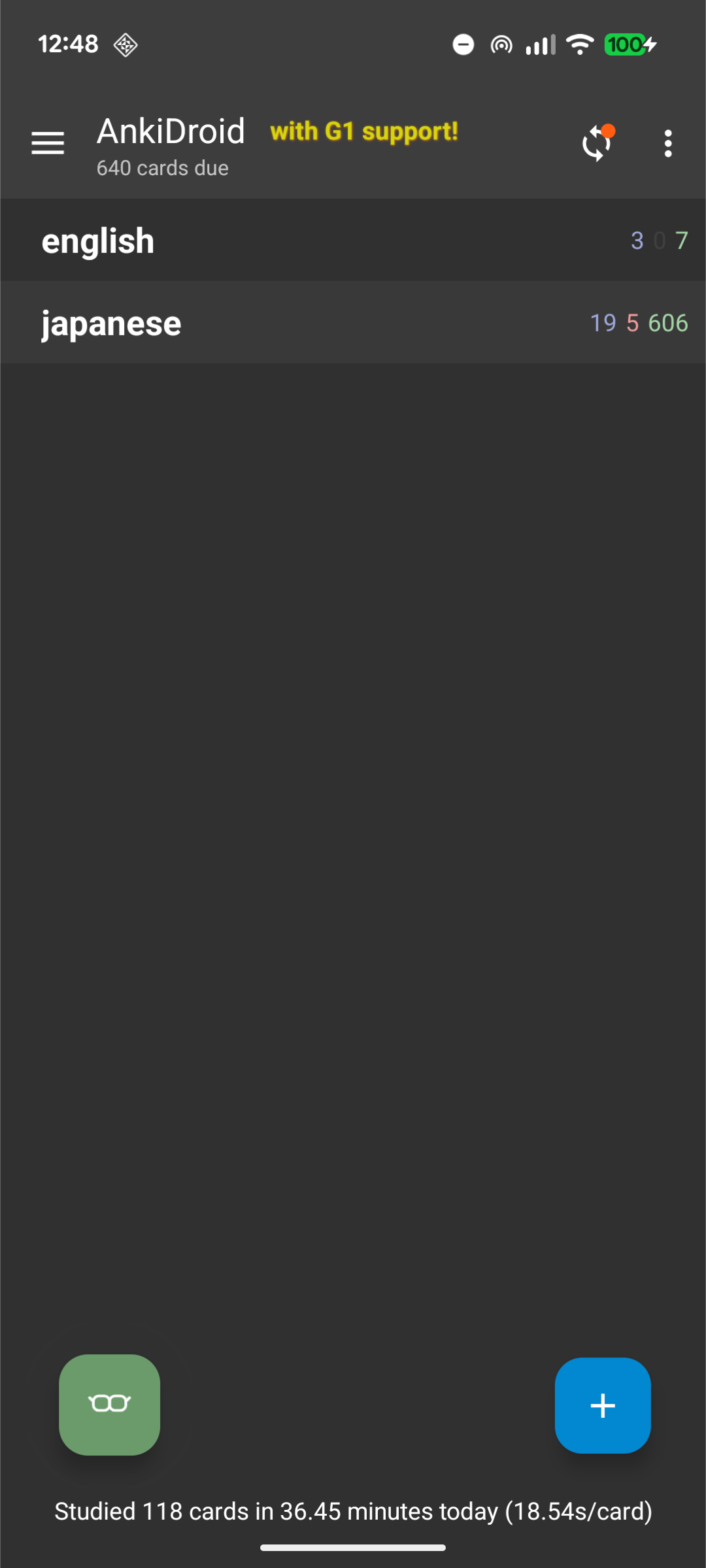

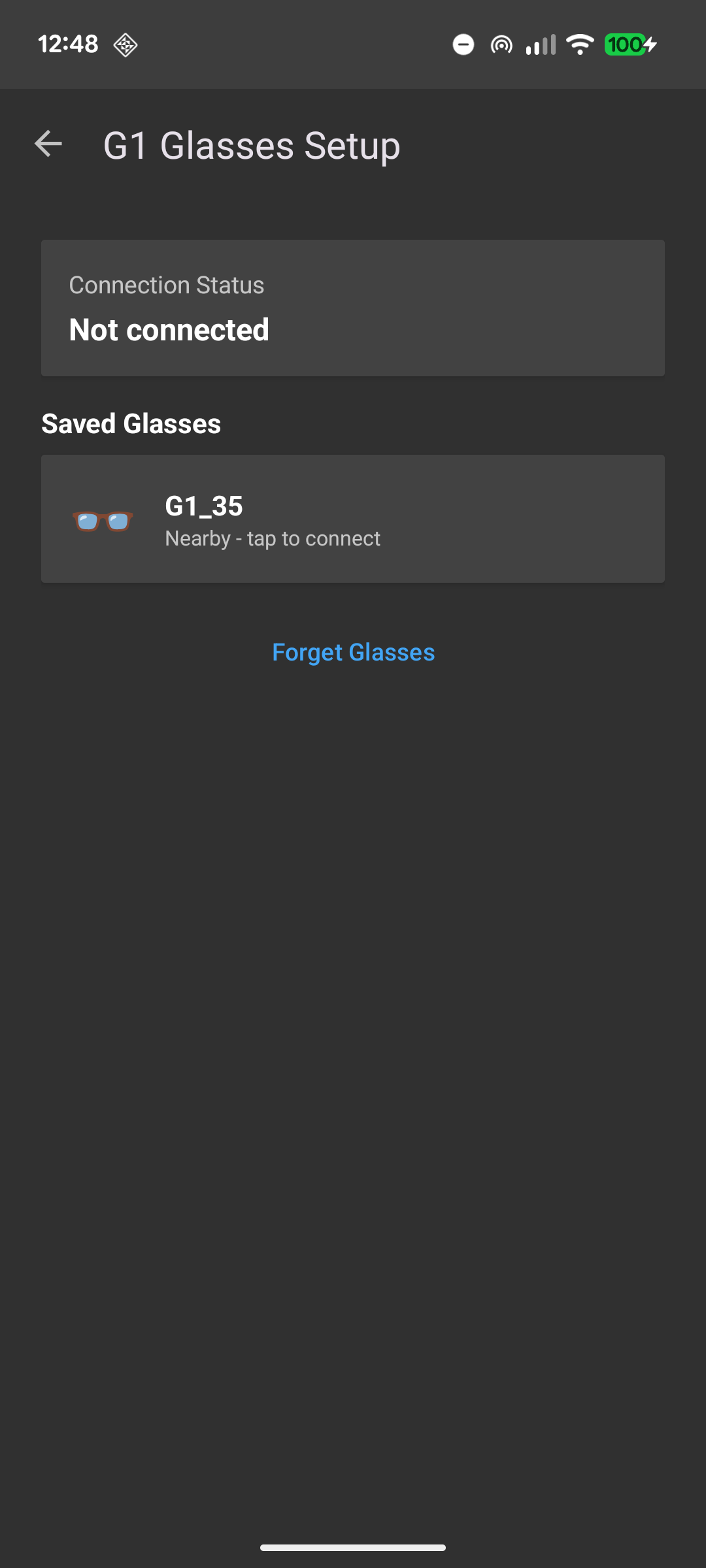
Build the code yourself, or scroll down to reach the APK download button.
The G1 is the first-generation smart glasses engineered by Even Realities. They distinguish themselves from other market options as they contain a small display built into your prescription lens. They connect to your phone via Bluetooth and can show notifications, text, and now — Anki cards.